
Turn your Strategy
Into Action.
Stop managing isolated tasks. Vizon builds an execution engine where every action is linked to revenue, strategy, and the "Why" behind the work.
Deep Connectivity
The End of Isolated Tasks.
In other tools, tasks are isolated islands. In Vizon, every task is embedded in its source. See exactly which Moonshot Goal or Persona a task is serving.
Strategy-Linked
Know that this specific coding task connects to your Q3 Growth Objective.
CRM-Embedded
Manage 'Follow Up' tasks directly inside the Deal card, not on a separate screen.
Two-Way Sync
Update a task in the CRM, and it updates on the Engineering Board instantly.
AI Project Manager
The Manager That Never Sleeps.
Stop manually creating the same 'Onboarding' project every time you close a deal. Let AI Agents handle the logistics so you can focus on the work.
Auto-Creation
Trigger: 'Deal Signed' → Action: Spin up full 'Onboarding' project with assignees.
Dynamic Context
AI passes context (Client Name, Deal Value) directly into the task description.
Blocker Detection
Lenz identifies potential timeline risks before they become delays.
Lenz Assistance
The Assistant Inside the Checkbox.
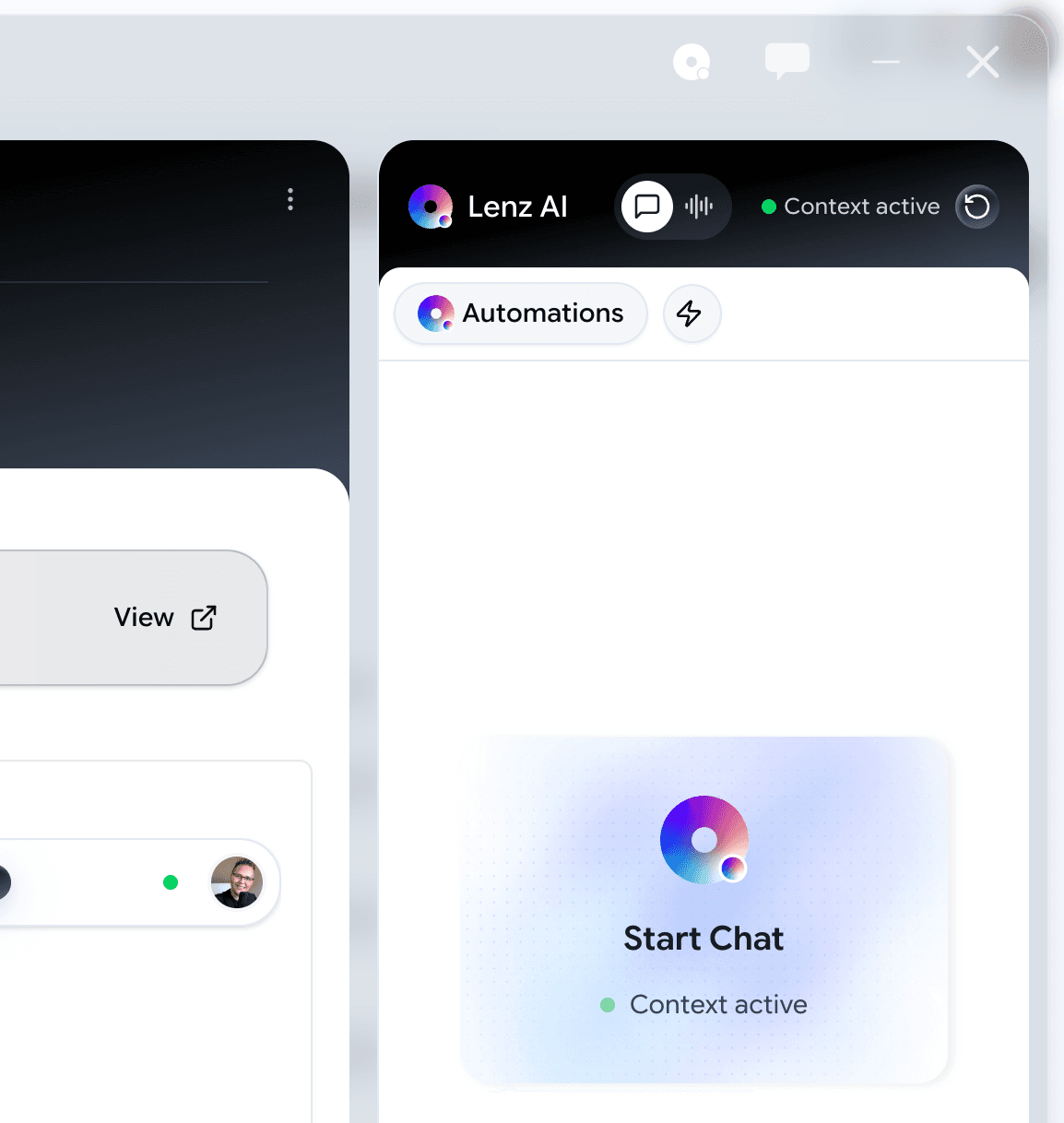
A task shouldn't just stare at you. Open any task and use Lenz AI to get the job done immediately.
Auto-Context
Lenz reads the linked Deal/Strategy and summarizes exactly what needs to be done.
Execution Mode
Ask Lenz to 'Draft the subtasks' or 'Write the email' directly inside the modal.
Instant Prioritization
Lenz scores your open tasks based on current company strategic focus.
Global Command Center.
Visualize your work your way. Switch between views instantly without losing context.
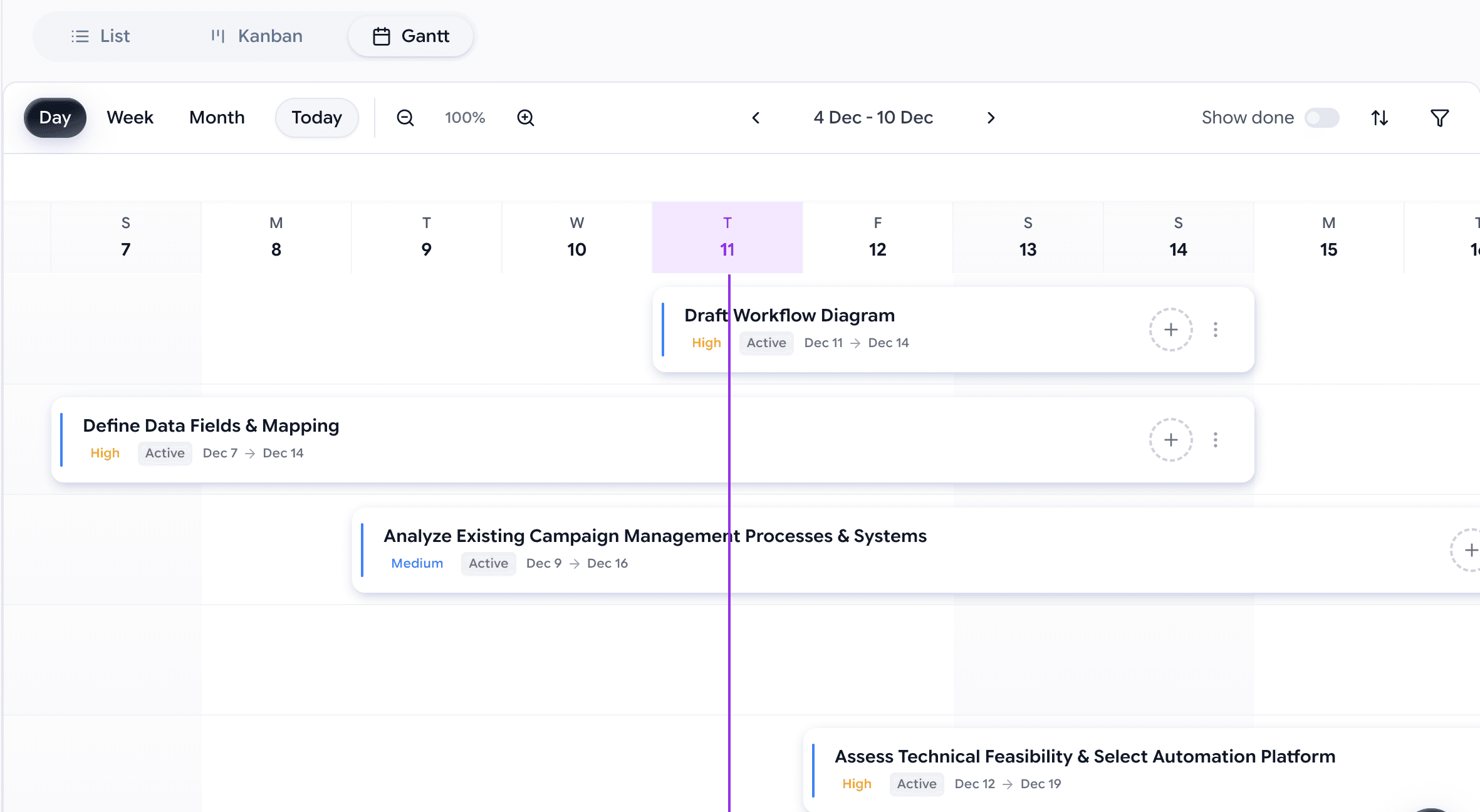
Kanban & Gantt
Manage sprints on the board, then zoom out to the timeline to see the big picture. Dependencies are highlighted automatically.
Global Board
See every task assigned to you across every project, deal, and document in one single list.
Lenz Intelligence
The AI proactively highlights tasks that are at risk or blocking critical path items.